
Description
Product Overview
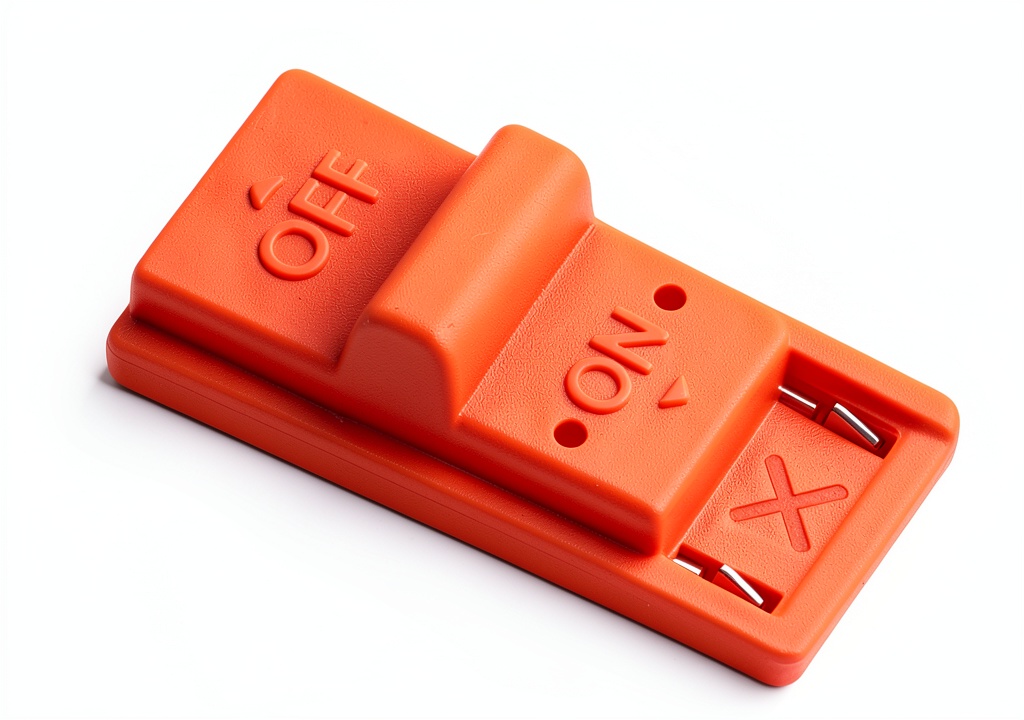
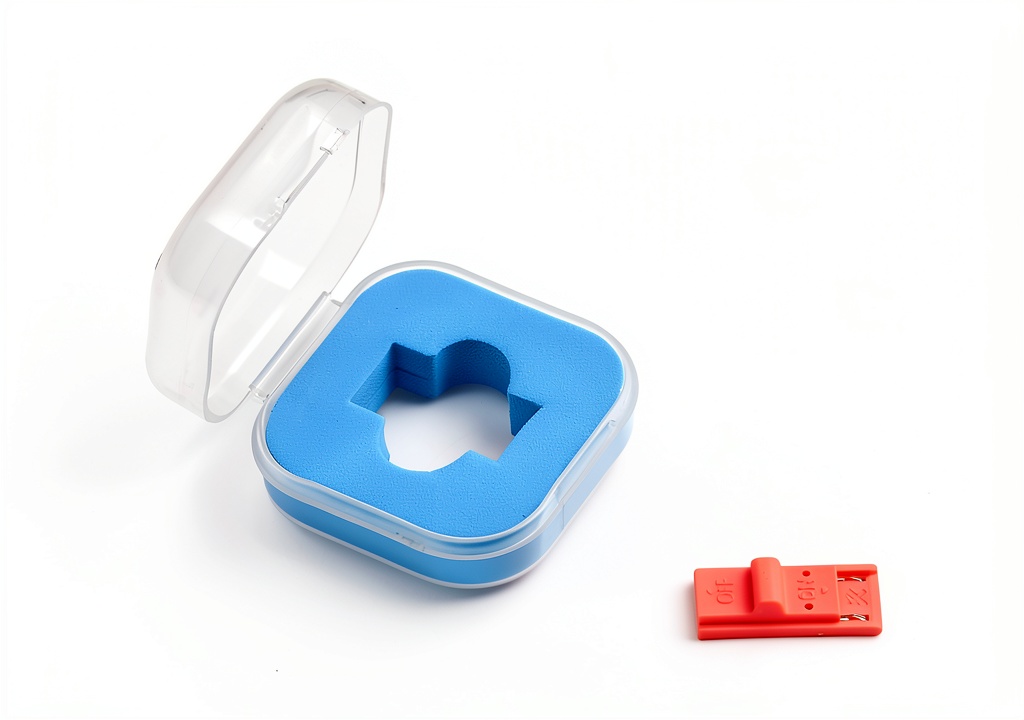
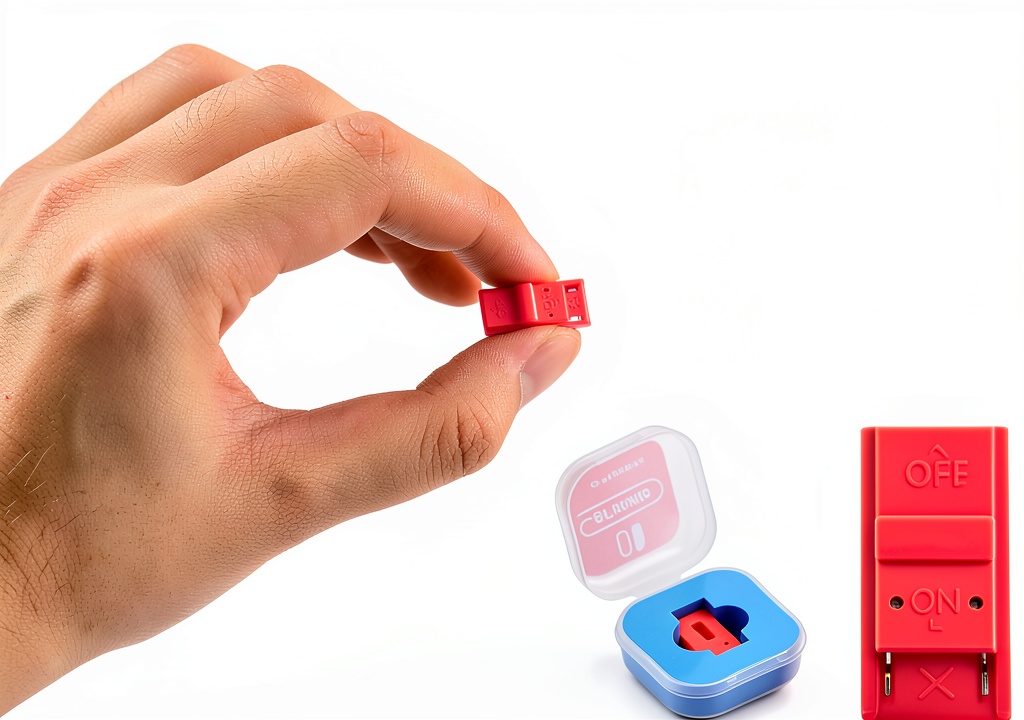
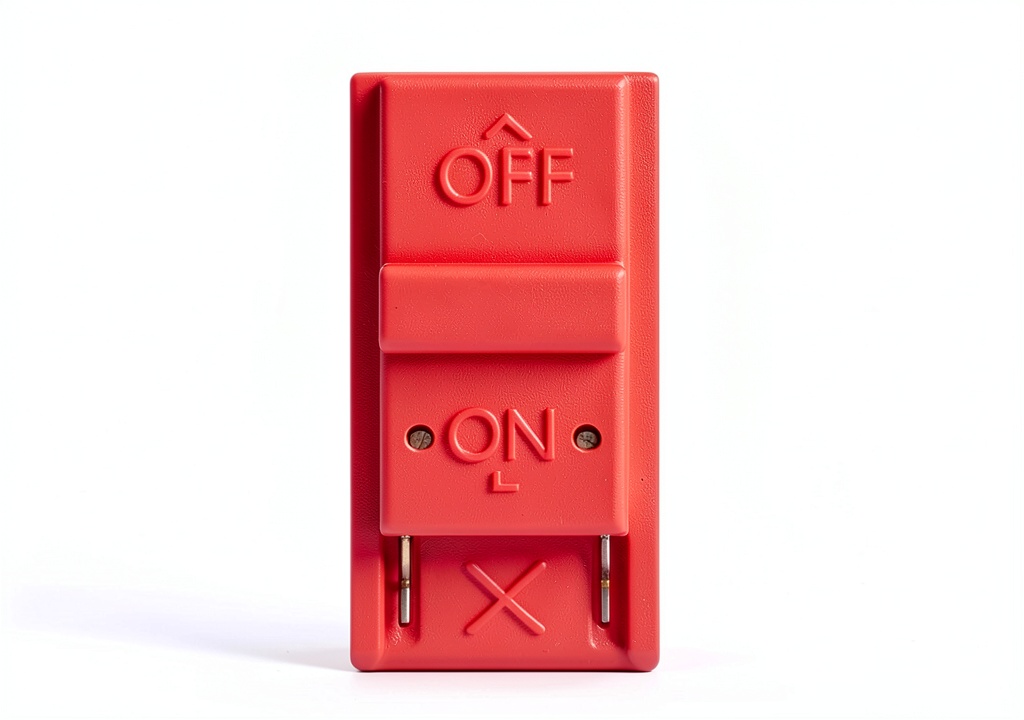
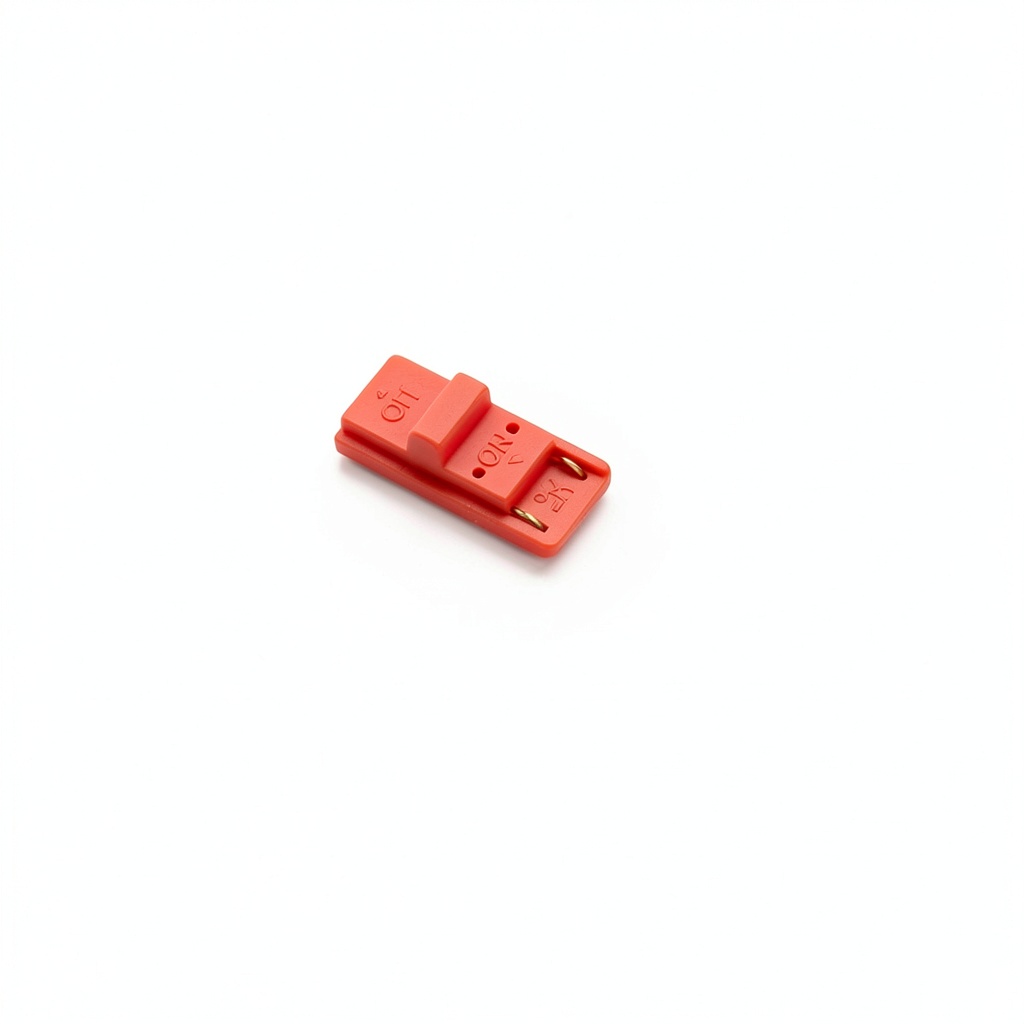
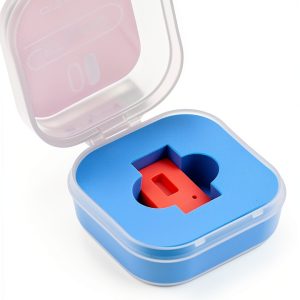
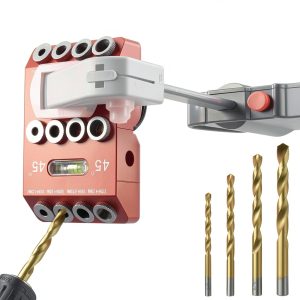
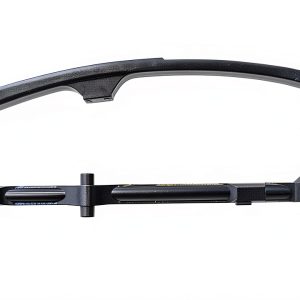
The SISABAMA RCM Jig Clip is engineered as a precision accessory for the Nintendo Switch console, specifically targeting the Joy‑Con rail on the right-hand controller. Constructed from high‑grade, impact‑resistant polymer, the clip maintains structural integrity even after repeated insertions and removals. Its dimensions—approximately 2 cm in length, 1 cm in width, and 0.6 cm in height—make it one of the most portable recovery tools on the market, easily fitting into a pocket or a small tool pouch. The clip operates entirely by hand power; no batteries or external power sources are required, which eliminates the risk of accidental discharge or the need for periodic charging. The design incorporates a built‑in lever that holds the VOL+ button down while the user presses the Power button, reliably forcing the console into recovery mode within seconds. This product is identified by the model number RJC1 and carries the SISABAMA brand, known for delivering reliable, user‑centric hardware accessories.
![[Product front view showing all components]](https://www.lucidstore.store/wp-content/uploads/2026/08/2da18d2cd38f4511bc6fe4311cd86c53.jpg)
Usage
Designed for both casual gamers and professional technicians, the RCM Jig Clip excels in a variety of environments. In a home setting, a user who encounters a frozen system or a corrupted firmware can quickly attach the clip to the Joy‑Con rail, press the required buttons, and access the recovery menu without opening the console or using soldering equipment. In a repair shop, technicians can streamline the diagnostic process for multiple consoles, reducing downtime and improving customer satisfaction. The tool is also valuable for speedrunners and competitive players who need to reset their system rapidly between practice sessions. Because the clip is hand‑powered, it can be used anywhere—on a couch, at a tournament booth, or in a field service scenario—without reliance on external power or additional tools. Its lightweight nature (0.317 ounces) ensures that it does not add noticeable bulk to a controller setup, and the low‑profile design prevents accidental snagging on clothing or accessories.
Why Choose Us
SISABAMA has a reputation for meticulous quality control and customer‑focused design. Each RCM Jig Clip undergoes a multi‑stage testing process that includes durability testing, fit verification on authentic Switch hardware, and functional validation to guarantee that the clip reliably triggers recovery mode every time. The product is backed by a responsive support team that offers troubleshooting assistance, replacement parts, and a clear warranty policy. Unlike generic, unbranded alternatives, this clip is manufactured to exacting tolerances, ensuring a snug fit within the Joy‑Con rail without causing wear to the console’s plastic housing. The brand also provides comprehensive documentation, including step‑by‑step usage guides and video tutorials, to help users get the most out of the tool. With a 4.8‑star rating from verified purchasers, the RCM Jig Clip has demonstrated consistent performance and durability across a wide range of real‑world applications.
Key Features
- Compact size fits easily in a pocket, making it ideal for on‑the‑go troubleshooting.
- Hand‑powered operation requires no batteries, eliminating maintenance and ensuring instant readiness.
- Tool‑free installation attaches directly to the Joy‑Con rail, simplifying the recovery process for any user.
- Durable polymer construction resists wear and maintains a precise fit after repeated use.
- Supported by SISABAMA’s dedicated customer service and warranty for peace of mind.
FAQ
Can the RCM Jig Clip be used with left‑hand Joy‑Con controllers?
No. The clip is specifically shaped to engage the right‑hand Joy‑Con rail where the VOL+ button is located. Using it on the left controller will not trigger recovery mode.
Do I need any additional tools or accessories to use the clip?
All you need is the clip itself. Simply slide it onto the Joy‑Con rail, press the VOL+ button, and then press the Power button on the console. No screws, soldering irons, or external power sources are required.
Is the clip compatible with all Nintendo Switch models, including the OLED and Lite versions?
The clip is compatible with the standard Nintendo Switch and Switch OLED models because they share the same Joy‑Con rail dimensions. It is not compatible with the Switch Lite, which lacks detachable Joy‑Cons.
What should I do if the clip does not trigger recovery mode?
First, ensure the clip is fully seated on the Joy‑Con rail and that the VOL+ button is being held down. Verify that the console is powered off before attempting to enter recovery mode. If the issue persists, contact SISABAMA support for troubleshooting assistance or a replacement.
How long does the clip last under normal usage?
Thanks to its high‑quality polymer material, the clip is designed to withstand thousands of insertions and removals. Under typical consumer use, it should remain functional for several years.






























Reviews
There are no reviews yet.